
Practical configuration
Configure from the problem you see
Pick one recurring delivery problem, apply the smallest setting change, preview it, and review the noise one week later.
| What keeps happening? | Start here |
|---|---|
| Review waits for days | Review bottleneck |
| One blocker stops several teams | Cross-project dependency |
| Risk appears just before release | Release risk |
| The same issue carries over | Sprint carryover |
| Active work has no owner | Unassigned active work |
Review bottleneck
Most common first adjustmentExample: code review should move within one day, while legal approval normally takes five.
- Open Flow Guard setup → Detection policy.
- Keep active-status aging at
72hours as the fallback. - Under Status-specific aging thresholds, add:
Peer Review = 24
Legal review = 120
Preview and confirm that review issues appear without making legal approval noisy. If many are dismissed as Expected workflow next week, lengthen that status threshold.
Cross-project dependency
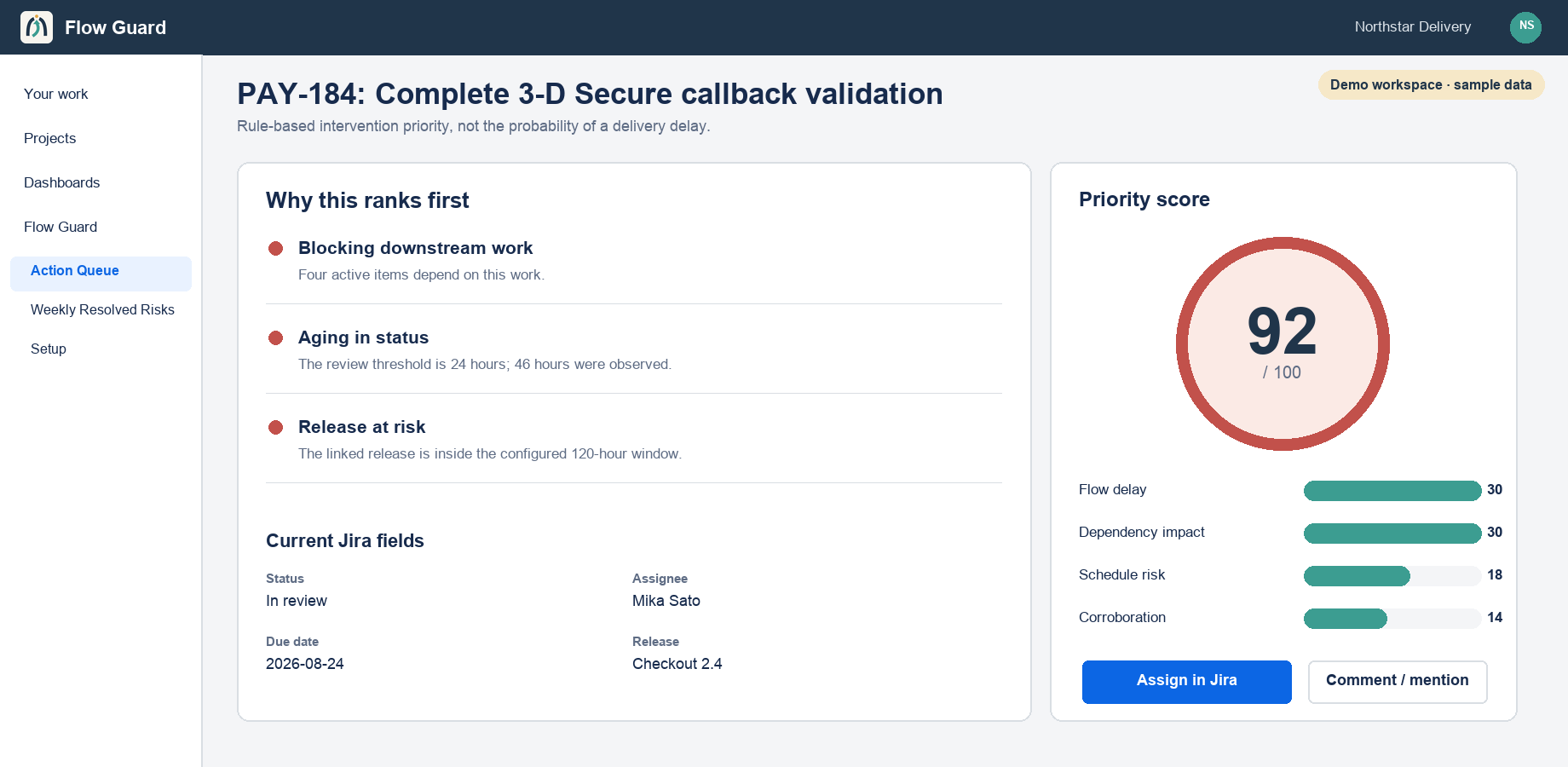
Example: one payment blocker stops work in APP, WEB, and OPS.
- Open Detection policy → Per-status and dependency rules.
- Set the Jira link types that mean “this issue blocks another.” The default is
Blocks. - Keep blocked duration at
24hours. - Preview and confirm the downstream projects in the top finding.
Flow Guard follows visible links up to five hops. More active downstream work, especially across projects, raises the intervention priority.
Release risk
Example: a release is seven days away, but only a few remaining issues are actually stuck.
- Confirm the Jira version has an unreleased release date.
- Keep Release at risk at
168hours. - Keep Due soon at
48hours for issue-level deadlines. - Check the site time zone in Scope, then preview.
The release signal appears only when the issue already has a flow risk. Healthy work is not added merely because release week started.
Sprint carryover
Example: the same unfinished issue moves from one completed sprint into the next.
- Open Detection policy.
- Turn on Sprint carryover detection.
- Preview and confirm Jira Software exposes the closed-sprint history.
- Review carryover together with aging and inactivity; independent signals corroborate the risk.
Next week, watch Recurrences. Repeated recurrence suggests a workflow cause rather than a one-off issue.
Unassigned active work
Example: an issue is in progress, but the assignee is empty.
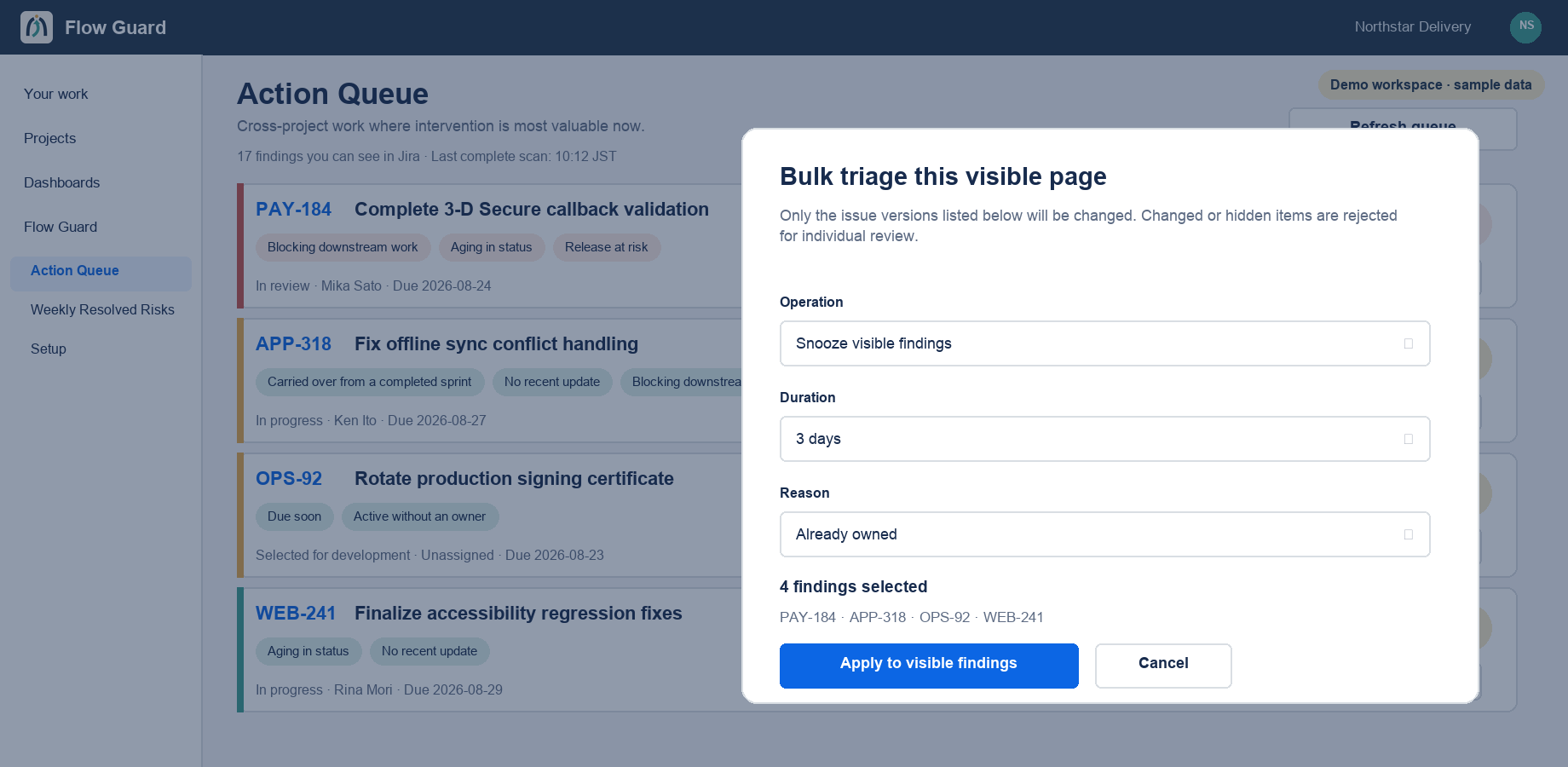
No threshold is required. UNASSIGNED_ACTIVE is a built-in 15-point coordination signal and becomes more urgent when aging or inactivity also fires. Assignment remains an explicit user action, limited to users Jira confirms are assignable.
Tuning guardrails
- Change one problem at a time, then preview.
- Use status-specific aging before changing every global threshold.
- With an 8-hour business day, 72 business hours is about 9 calendar days.
- Choose dismiss reasons accurately; they inform the next policy adjustment.
- Never interpret the score as a probability of delay.